Webespire HRMS System
HRMS Software for Attendance, Payroll and Field Workforce Management
Manage employee records, mobile attendance, monthly salary, leave, assets and projects in one system, with visibility for field teams during authorised work periods.
Illustrative preview
Why Choose Us
Why Choose Webespire HRMS?
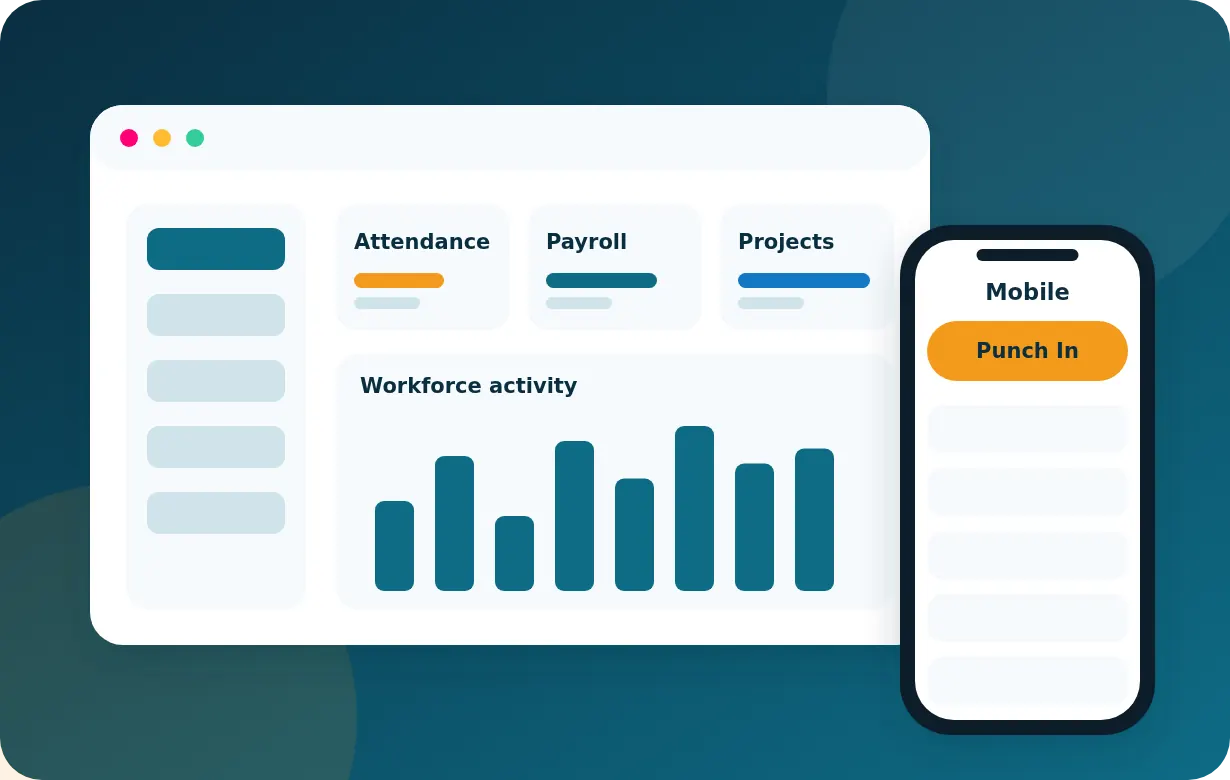
One System from Attendance to Payslip
Attendance, leave, loans, incentives and conveyance feed the same payroll run, so HR does not re-key data between spreadsheets.
Built for Office and Field Teams
Mobile punch-in and punch-out, project assignments and authorised location visibility help managers coordinate people who are not at a desk.
Configurable to Your Rules
Salary components, payroll rules, leave policies, holidays and employee categories are set up for your company rather than forced into one template.
Backed by a Software Team
Webespire also provides custom development, integrations and mobile apps, so the HRMS can be extended and connected to your existing tools.
Purpose
Objectives of an HRMS System
An HRMS brings people data, time and pay into one place. For most companies the goals are:
- Keep one reliable record for every employee, department and category.
- Capture attendance accurately and turn it into monthly summaries.
- Calculate salaries consistently from attendance and your configured payroll rules.
- Give managers a clear view of projects, assets and field work.
- Reduce manual follow-ups for leave, loans, notices and holidays.
- Produce reports that support decisions on staffing, cost and delivery.
Business Case
Why Does Your Business Need an HRMS System?
Manual Attendance and Payroll Take Time
Collecting registers, applying leave and recalculating salaries by hand is slow and easy to get wrong each month.
Field Teams Are Hard to Coordinate
When employees work at client sites or on the road, managers need dependable updates on who is working where.
Policies Vary by Role
Office staff, sales staff and field employees often follow different allowance and incentive rules that a spreadsheet struggles to apply consistently.
Records Are Scattered
Loans, assets, leave balances and notices spread across files make audits and handovers harder.
Visibility
How Does Webespire HRMS Help Monitor Employee Productivity Throughout the Workday?
Productivity cannot be judged from one signal. Webespire HRMS combines several records so managers see what is happening, without relying on a single measure.
Attendance
Mobile punch-in and punch-out records when each working day starts and ends.
Task and Project Updates
Employees and managers update assignments and progress, so work status is visible without chasing.
Project Records
Assignments, milestones and completion status show how effort is distributed across projects.
Authorised Field Activity
During authorised work periods and with device permissions, location visibility and travel summaries help coordinate field visits.
Location and walking distance show where field employees travelled, not how productive they were. Real-time location is available only during authorised work periods, depends on device permissions, and continuous minute-by-minute monitoring is not assumed.
Capabilities
Key Features of Webespire HRMS
Employee Records
Company-wide workforce records with departments and employee categories.
Mobile Attendance
Punch-in and punch-out from the mobile app.
Monthly Attendance Summaries
Present, absent, leave and holiday totals for each month.
Payroll and Salary Management
Salary structures and monthly payroll for every employee.
Salary Calculation
Monthly pay based on attendance and your configured payroll rules.
Incentives and Conveyance
Incentive and conveyance allowances for field employees.
Loans and EMI Deductions
Employee loans with scheduled EMI deductions in payroll.
Leave Management
Leave requests, approvals and balances.
Holidays and Notices
Holiday calendars and company-wide notices.
Departments and Categories
Organise people by department and employee category.
Asset Management
Allocate and track company assets issued to employees.
Project Assignments
Assign people to projects and monitor progress.
Logistics and Field Coordination
Coordinate field workforce and logistics tasks.
Field Location Visibility
Real-time location during authorised work periods, subject to device permissions.
Walking Distance and Travel Summaries
Distance and travel summaries where the device provides location data.
Reports
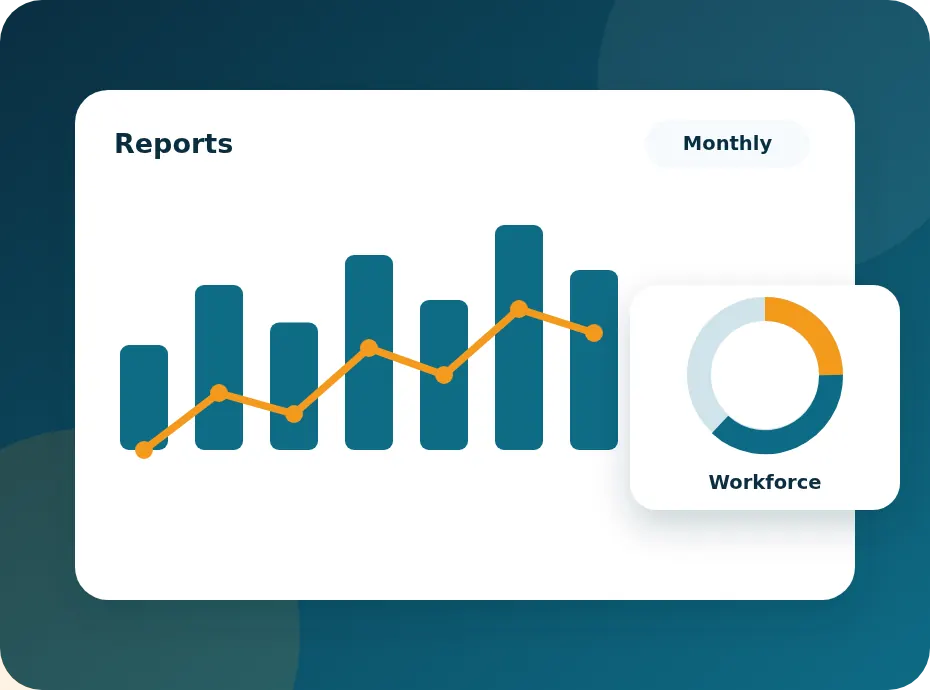
Attendance, payroll, project and workforce activity reports.
Workflow
Attendance-to-Payroll Workflow
- 01
Set Up
Add employees, departments, categories, salary components, leave rules and holiday calendars.
- 02
Capture Attendance
Employees punch in and out from the mobile app; managers review exceptions.
- 03
Apply Leave and Holidays
Approved leave and company holidays are reflected in the monthly attendance summary.
- 04
Add Variable Pay
Incentives, conveyance allowances and other approved additions are recorded for the month.
- 05
Apply Deductions
Loan EMIs and other configured deductions are applied.
- 06
Calculate and Review
Monthly salary is calculated from your payroll rules and reviewed before it is finalised.
- 07
Report
Attendance, payroll and workforce reports are available for management and finance.
How Monthly Salary Is Calculated
Salary is built from the components configured for each employee, such as basic pay and allowances. Payable days come from attendance, approved leave and company holidays. Incentives and conveyance allowances for field employees are added when approved, and applicable deductions, including loan EMIs, are subtracted. The exact formula depends on your payroll policy and legal requirements, so it is configured with you rather than assumed.
Who Benefits
Benefits for Office and Field Teams
Office Teams
- Fewer manual attendance and leave calculations
- Clear leave balances, holidays and notices
- Consistent payroll inputs for HR and finance
- Searchable employee, asset and loan records
Field Teams
- Simple mobile punch-in and punch-out
- Visible project assignments and progress
- Transparent incentives and conveyance entries
- Location features limited to authorised work periods
Reporting
HRMS Insights and Reporting
Reports cover attendance, payroll, projects and workforce activity, so managers, HR and finance can work from the same figures.
- Attendance and leave summaries by month, department or employee category
- Payroll reports covering salary components, additions and deductions
- Project reports on assignments and progress
- Workforce activity reports that combine attendance, task and field data
- Asset allocation and loan/EMI status
Mobile App
Mobile App Screens
Illustrative previews of the kind of screens employees use. These are not real screenshots, and the values shown are samples.


Google Play and App Store links will be added here once the official listings are confirmed. Request a demo to see the app and learn how to access it.
FAQ
Frequently Asked Questions
What is Webespire HRMS System?
It is a human resource management system for employee records, attendance, payroll, leave, assets, projects and field workforce coordination, with a mobile app for attendance.
How is monthly salary calculated?
Salary is calculated from the salary components configured for each employee, the payable days taken from attendance, approved leave and holidays, plus incentives and conveyance allowances and any applicable deductions such as loan EMIs. Webespire does not assume one universal formula: the rules are set up to match your company policy and local requirements.
Can employees punch in from their phones?
Yes. Attendance is captured through the mobile app with punch-in and punch-out. Features that use location depend on device permissions and available location data.
Is employee location tracked all the time?
No. Location visibility is intended for authorised work periods and depends on the employee's device permissions. Employers should tell employees what is collected and follow applicable privacy and employment rules.
Does location or distance measure productivity?
No. Location and walking distance are only context for field coordination. Productivity is better understood by combining attendance, task updates and project records.
Does it support incentives, conveyance and loans?
Yes. Incentives and conveyance allowances for field employees, and employee loans with EMI deductions, are included in payroll.
Is the mobile app available on Google Play and the App Store?
Store listing links are not published on this page yet. Request a demo and our team will confirm how to access the mobile app.
Can the HRMS be customised or integrated?
Yes. Webespire’s development team can adapt workflows and connect the HRMS to accounting, CRM or other systems through APIs.
Explore HRMS for Your Team
Replace spreadsheets with one system for attendance, payroll, leave and field work. Book a demo to see how it fits your policies, or ask about customising it with our custom software development, mobile app and integration teams.